
By the Top AI Tools for Realtors editorial team
Reviews listing-marketing tools for agents · Last updated July 2, 2026
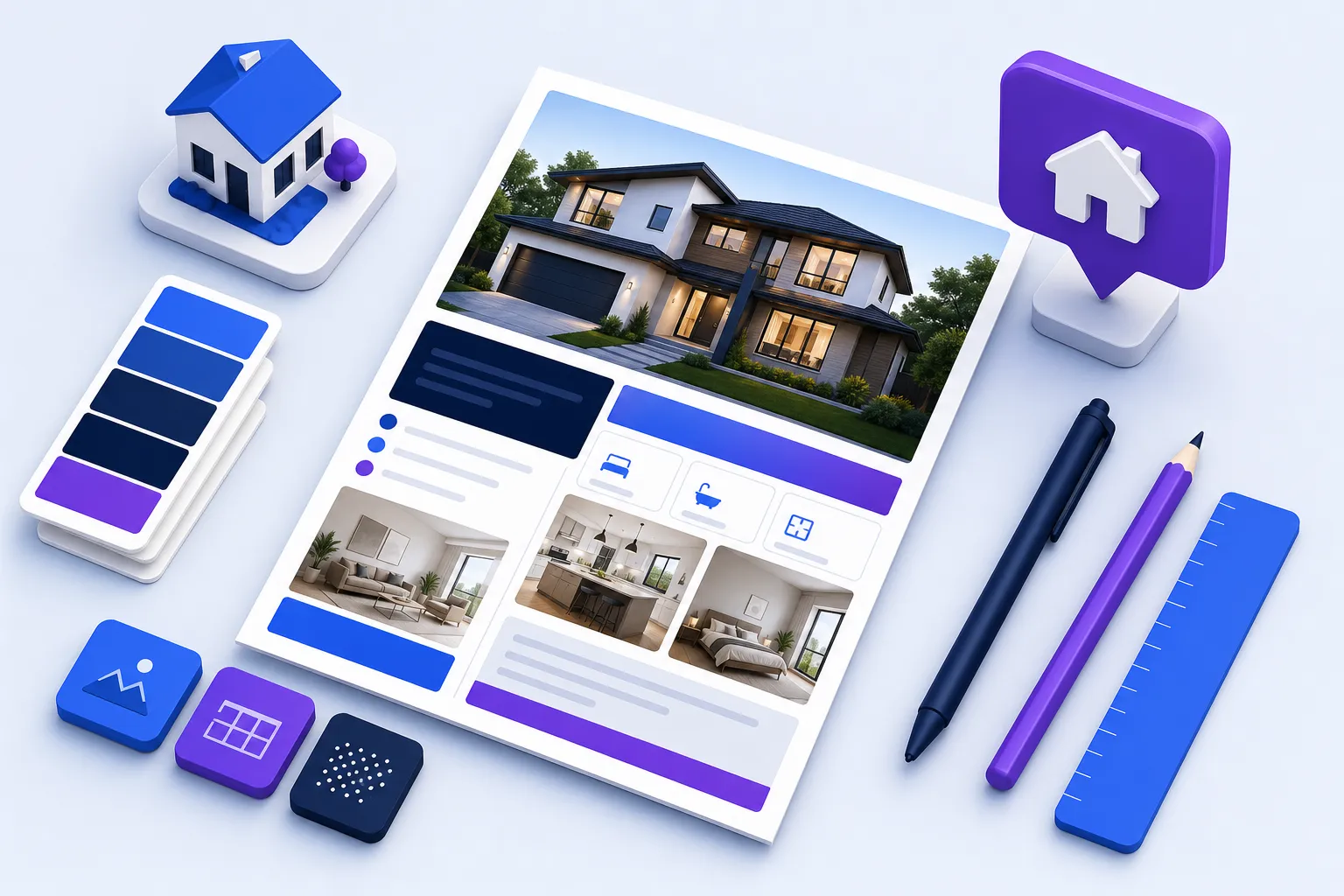
A great flyer still does more per dollar than almost any other piece of listing marketing — it packages a home into one scannable, printable, shareable asset you can slap on a yard-sign rider, hand out at an open house, mail to a farm (pair it with our real estate postcard templates for the mailbox side of that campaign) and repost to Instagram. The problem is finding a free real estate flyer template that actually looks professional and lets you edit it fast. On this page you'll get exactly that: free, editable real estate flyer templates segmented by occasion (Just Listed, Just Sold, Open House, Coming Soon and Market Update), a free flyer-text generator that writes the headline, feature bullets and call to action for you, an honest comparison of the best flyer makers, and the design rules that separate a flyer that sells from one that gets recycled. Jump straight to what you need below.
Grab a free flyer template (by occasion)
Every template below is a live preview — no email wall to look. Each one is built on the same proven anatomy (hero photo, price, address, specs, three features, agent bar and a CTA), and each links out to editable formats: open it in Canva, download an editable Word / Google Docs version, or grab a print-ready PDF. Prefer to skip the design step entirely? Use the flyer-text generator below to write the copy, then paste it into any template.
Just Listed flyer templates
A Just Listed flyer template has one job: make a buyer (or a nosy neighbor who knows a buyer) stop and look. Lead with the biggest, best photo you have, put the price and address where the eye lands first, and keep the feature list to three punchy highlights. Add the open-house date and a QR code to the listing or video tour. Write the body copy with our AI listing description generator and enhance the hero shot with AI photo editing before it ever hits the page.
Just Sold flyer templates
A Just Sold flyer template isn't really about the house — it's about you and your track record. It's a prospecting piece disguised as a celebration. Show the sold home, add a proof point ("Sold in 6 days, 4% over asking"), and finish with a soft prospecting CTA: "Curious what your home is worth in today's market? Call me for a free valuation." Mail it to the surrounding blocks and you turn one closing into your next three listings. Pair it with a real estate CRM so every neighbor who calls lands in a follow-up sequence.
Open House flyer templates
The open house flyer template is the most time-sensitive of the bunch — the date, time and address have to be impossible to miss, and a QR code to the sign-in form or directions should sit right next to your CTA. Print a stack for the sign-in table, tack one to the yard-sign rider, and post a matching version to social 48 hours before. For a full kit of open-house scripts, sign-in sheets and follow-up templates, see our dedicated open house templates hub.
For Sale, Coming Soon & Market Update templates
Three more occasions round out the set. A Coming Soon real estate flyer template builds pre-launch buzz and captures early buyer interest before you go active. A For Sale flyer template is the evergreen yard-sign and take-one-box workhorse. And a market update flyer template positions you as the neighborhood data expert — perfect for farming and for repurposing into a social post. Commercial and luxury variants use the same structure with a restrained, data-forward layout.
Write your flyer text in seconds (free generator)
The hardest part of a flyer usually isn't the design — it's the words. This free flyer-text generator writes a headline, a three-bullet feature list and a call to action tuned to your occasion. Pick a template type, enter your listing details, and click Generate. Then hit Copy and paste it straight into Canva, Word, Adobe Express or any template above. Nothing leaves your browser.
Tip: run the copy through our listing description generator for a longer body paragraph, then drop it into the template.
Want the full listing-marketing stack instead of just a flyer? Browse the whole AI tools directory or start with our best AI tools for realtors guide — flyer makers are one small slice of what's now automatable.
Best real estate flyer makers compared (2026)
If you'd rather build from scratch or want thousands of templates to browse, these are the real estate flyer makers worth your time. Unlike the self-promotional roundups elsewhere, this table lists the honest free-tier limits — the watermark, print and export facts that actually matter when you hit "download." All are free to start; the paid tiers mostly unlock premium assets, brand kits and watermark removal.
| Maker ▲▼ | Free tier ▲▼ | Watermark? ▲▼ | Export ▲▼ | RE templates ▲▼ | Best for ▲▼ |
|---|---|---|---|---|---|
 Canva Canva |
Generous free plan | No (free assets) | PDF, PNG, JPG | Thousands | Best all-around |
 Adobe Express Adobe Express |
Free plan | No | PDF, PNG, JPG | Hundreds | Fast & clean |
 PosterMyWall PosterMyWall |
Free (paid to download HQ) | On some free exports | PDF, JPG, MP4 | 22,000+ | Biggest library + video |
 VistaCreate VistaCreate |
Free plan | No | PDF, PNG, JPG, MP4 | Thousands | Social + print |
 Venngage Venngage |
Free (5 designs) | On free PNG | PNG (PDF paid) | Hundreds | Data / infographic |
 Vistaprint Vistaprint |
Free design; paid print | No | Print + PDF | Hundreds | Print & direct mail |
Free tiers, watermarks and export limits change often — always confirm on the vendor's site before you rely on a free download for a client piece.
Canva — best all-around free flyer maker
Canva is where most agents should start. The free plan is genuinely usable, the real estate template library is enormous, and free-tier designs export to PDF and PNG without a watermark as long as you stick to free elements. Brand Kit (on Pro) lets you lock your colors, fonts and logo so every flyer stays on-brand, and the built-in QR generator and resize tool cover the print-to-social workflow in one place.
Adobe Express — best for quick, clean designs
Adobe Express is the fastest path to a clean, professional flyer. The template quality skews modern and minimal, the free plan exports without watermarks, and the Adobe Stock photo integration is handy when you don't have a strong hero shot. It's less sprawling than Canva, which is exactly why some agents prefer it — fewer choices, faster output.
PosterMyWall — biggest library and video flyers
PosterMyWall wins on sheer volume — 22,000+ real estate templates — and it's the one maker that makes animated video flyers easy, exporting to MP4 for social and slideshows. The catch is that some free downloads carry a watermark or require a one-off unlock, so budget for the small per-download or subscription fee if you go this route regularly.
VistaCreate, Venngage & Vistaprint — quick verdicts
VistaCreate — a strong Canva alternative with clean templates and watermark-free free exports for both print and social. Venngage — best when your flyer is data-heavy (market updates, neighborhood reports); its infographic engine is the differentiator, though the free plan is limited. Vistaprint — design and order print in one flow; the right pick when you need a stack of professionally printed flyers or a direct-mail run.
What makes a great real estate flyer (design + copy)
Templates get you 80% of the way there; the last 20% is knowing what to keep, cut and emphasize. After reviewing hundreds of agent flyers, the winners almost always share the same anatomy and follow the same copy rules.
The 8 must-have elements
Standard flyer sizes
Design once, then resize for every channel. The three formats you'll actually use:
Copy that converts — headline formulas by occasion
The flyer-text generator above is built on these formulas, but here's the thinking so you can tweak by hand:
Just Listed: "Just Listed in [Neighborhood] — [Best Feature] for [Price]." Lead with what's rare about the home. Just Sold: "Sold in [X days], [Y]% over asking — thinking of selling yours?" Result first, prospecting CTA second. Open House: "Open [Day] [Time] — come see [Address]." Date and time are the headline. Market Update: "[Neighborhood] homes are [up/down] [X]% — here's what it means for you." Lead with the number.
Need a longer body paragraph? Generate it with our real estate listing description generator, which writes MLS-ready copy you can trim down for the flyer.
Photos that sell
No template rescues a dark, crooked phone photo. Straighten verticals, brighten interiors and fix the sky before you drop a shot into a flyer — our roundup of AI photo-editing tools does most of that automatically. For vacant or dated rooms, virtual staging software can furnish a space so the hero image actually shows the lifestyle you're selling. Great photo in, great flyer out.
How to use your flyers (distribution)
A flyer that never leaves your laptop sells nothing. Here's where the best agents put them to work:
Open houses. A printed take-home on the sign-in table plus a QR to the video tour keeps you top of mind after visitors leave. Yard-sign riders & take-one boxes. The classic For Sale flyer, always stocked, capturing drive-by interest 24/7. Social posts. Resize to 1080×1350 and schedule across platforms with your real estate social media tools. Email & e-blasts. Attach the PDF or embed the image in your new-listing announcement to your database. Direct mail & farming. Just Listed / Just Sold / Market Update flyers mailed to a neighborhood are still one of the best listing-generation plays. Private tours. A polished leave-behind after a showing reinforces the details buyers forget by dinner.
Turn a flyer into a full marketing kit
The smartest move is to treat the flyer as the first asset in a repeatable listing-launch kit, not a one-off. From a single design you can spin up an entire week of marketing:
Social posts — resize the flyer and schedule a launch, an open-house reminder and a "just sold" recap with your social media tools. Listing copy & email — reuse the flyer's headline and features as the spine of your MLS remarks and e-blast, drafted with the listing description generator. A listing video / slideshow flyer — the format PosterMyWall only hints at, done properly. Turn your photos and flyer copy into a cinematic tour with VideoTour.ai and post it where flat images get scrolled past.

Turn the same listing into a scroll-stopping video flyer
Upload your photos, add the flyer copy, and VideoTour.ai builds a narrated, music-backed tour for social and email — the format nobody else on this page teaches.
Free flyer template pack (download all 20)
The 20 Real Estate Flyer Templates Pack
Every occasion above — Just Listed, Just Sold, Open House, Coming Soon, For Sale and Market Update — free to copy on this page, plus the best editable Canva starting points.
Real estate flyer FAQ
Use a free design tool like Canva, Adobe Express or PosterMyWall, or start from an editable Word or Google Docs template. Pick a real estate flyer template above, drop in your listing photo, price, address and beds/baths, generate the wording with the free flyer-text tool on this page, and export a PDF. The whole process takes about ten minutes and costs nothing on the free tiers.
Eight essentials: a high-quality hero photo, the price, the full address, beds/baths/square footage, three standout features, your name, headshot and contact info, your brokerage name and logo, and a clear call to action with a QR code linking to the listing or video tour. See the "8 must-have elements" section above for the full breakdown.
A Just Listed flyer markets an active listing to buyers and neighbors, leading with the photo, price and open-house details. A Just Sold flyer is a prospecting and social-proof tool aimed at future sellers: it celebrates a recent sale — often noting how fast or how far over asking it went — and ends with a "curious what your home is worth?" call to action.
The standard print size is 8.5×11 inches (US Letter). For social media use 1080×1350 pixels for an Instagram or Facebook portrait post, and 1920×1080 pixels for a slideshow or listing-video flyer. Most makers let you resize between these formats in one click.
Yes. Editable Microsoft Word and Google Docs real estate flyer templates let you replace the photo and text without any design software, then export to PDF for print. They're the fastest option when you just need to swap details on a proven layout — the flyer pack above includes Word and Google Docs versions of every template.
Canva is the best all-around free flyer maker for most agents, Adobe Express is best for fast, clean designs, and PosterMyWall has the largest real estate library plus animated video flyers. Compare free tiers, watermarks and export options in the maker comparison table above.
Yes. Flyers remain one of the highest-ROI marketing pieces for open houses, yard-sign riders, farming a neighborhood and direct mail — especially when you repurpose the same design into social posts, an email and a listing video. The format works because it packages a listing into one scannable, shareable asset.
Generate a free QR code that links to your listing page, video tour or open-house sign-in form, then drop it into the flyer near your call to action. Canva, Adobe Express and PosterMyWall all include a built-in QR-code tool, so you never need a separate app.
Keep building your listing-marketing stack
Flyers are one piece of the puzzle. Round out your toolkit with these related guides and tools:
Open house templates — sign-in sheets, scripts and follow-up emails. Real estate marketing plan template — where flyers fit in the bigger campaign. Realtor logo ideas — build the brand mark that goes on every flyer. Real estate marketing ideas — 30+ ways to promote a listing. Lead generation tools and a free CRM to work the leads your flyers create. Website builders and a floor plan generator to complete the listing page.